2026
November
Standard

Shoutout and Holiday Invite Templates

Counting down to ‘Happy New Year’, we’ve added three new templates to the Template Library: an office holiday party invite, a Happy New Year template, and a Shoutout template for celebrating the team or person and deserve some appreciation. All templates in the Template Library are simple to customize with your own message.

Find them in the template library here >

Share your feedback:

Please fill out a one-minute survey and help us continue to provide high quality Vyond experiences.
more
Standard

Victor, Latest Voice

Vyond gives you the power to use lip sync voices in different scenes so you can deliver the most engaging videos. We periodically update the text-to-speech tool with more voices. This latest enhancement covers one new voice.

The following Ultra High Quality multilingual voice from ElevenLabs has been added, available on Enterprise and Agency plans. To use them, select the language, and then for accent select None. You can use prompt tags to shape emotion, accent, and pacing of the audio:

The following High Quality voice has been updated to the latest model, and available on all plans:

  • English, United States: Male – Victor

Learn more about text-to-speech >

Share your feedback:

Please fill out a one-minute survey and help us continue to provide high quality Vyond experiences.
more
Standard

Screen Recording Resolution in 1080p

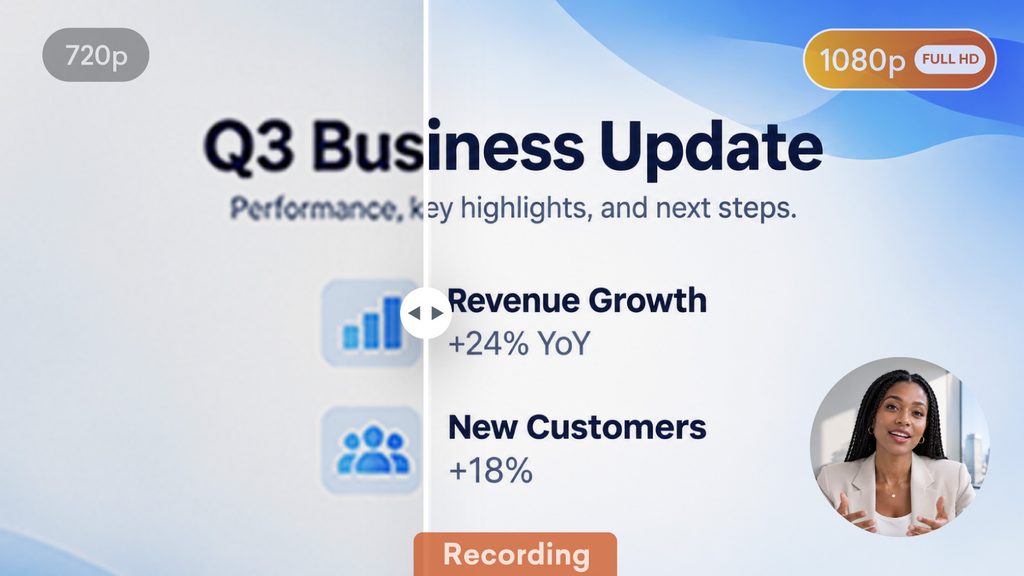
Vyond’s screen recorder now records in 1080p, so every cursor move and line of text comes through crisp and clear. Whether you’re walking through a product demo or recording a quick how-to, your footage will look as sharp as your message. Available on all plans.

How it works

  • On the Vyond home page, select Create and then select Record screen
  • Or, in Vyond Studio open the Uploads tab of the content panel, then select the Record screen option 
  • Record as you need, it will capture in 1080p by default
  • Play your recording to review
  • Download in 1080p resolution

Learn more about screen recording >

Share your feedback:

Please fill out a one-minute survey and help us continue to provide high quality Vyond experiences.
more
Standard

Filter Uploads in Vyond Studio

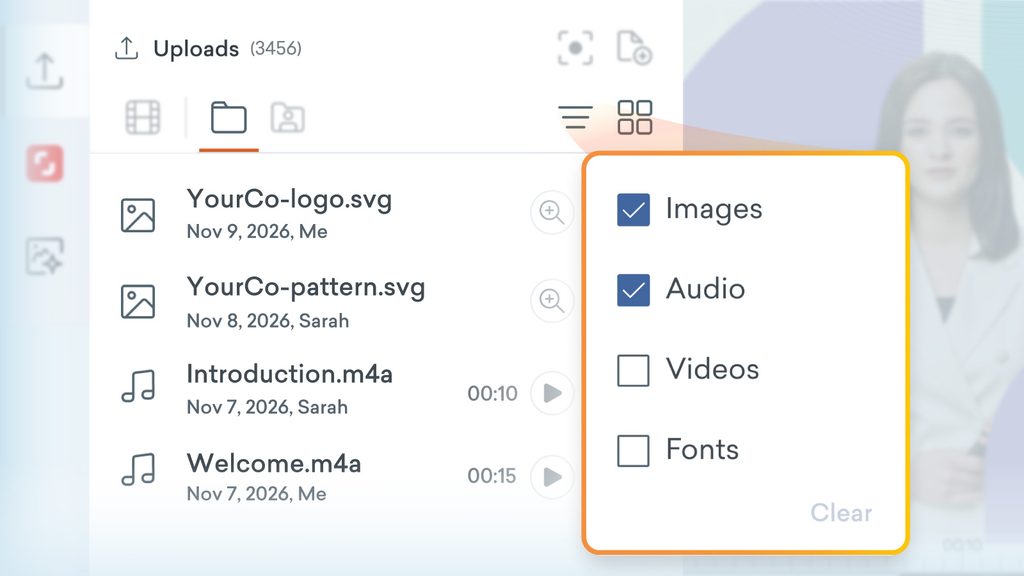
Do you find the amount of content in your upload library grows with every new video? Great for creativity, and not so great for scrolling! We’ve now added filters and a list view to Uploads so that you can find exactly what you need without the endless scroll. Available on all plan types.


What’s new

  • Search and filter by video, image, audio or font
  • Browse by images and video thumbnail in grid view
  • Switch to list view to see files by name
  • List view also allows you to see the upload date, and who uploaded or added it

Learn more about uploads >

Share your feedback:

Please fill out a one-minute survey and help us continue to provide high quality Vyond experiences.
more
Standard

Paste a Script into Vyond Turbo

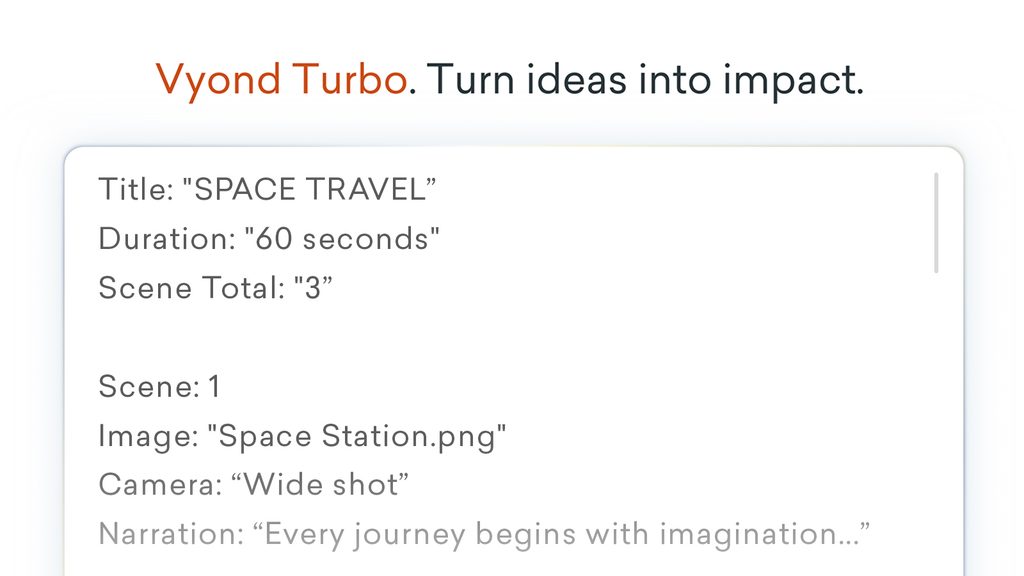
Have you tried Vyond Turbo? It’s our new video creation solution that quickly transforms prompts and docs into custom AI-generated videos tailored to your audience, brand, and goals. As Turbo continues to evolve based on user feedback, this release we’ve improved the way that Turbo handles scripts pasted into the prompt box and converts it into a video.

Request a Turbo demo >

*Please note, Vyond Turbo requires an additional subscription. 

Share your feedback:

Please fill out a one-minute survey and help us continue to provide high quality Vyond experiences.
more
Standard

More Audio Options for Custom Avatars

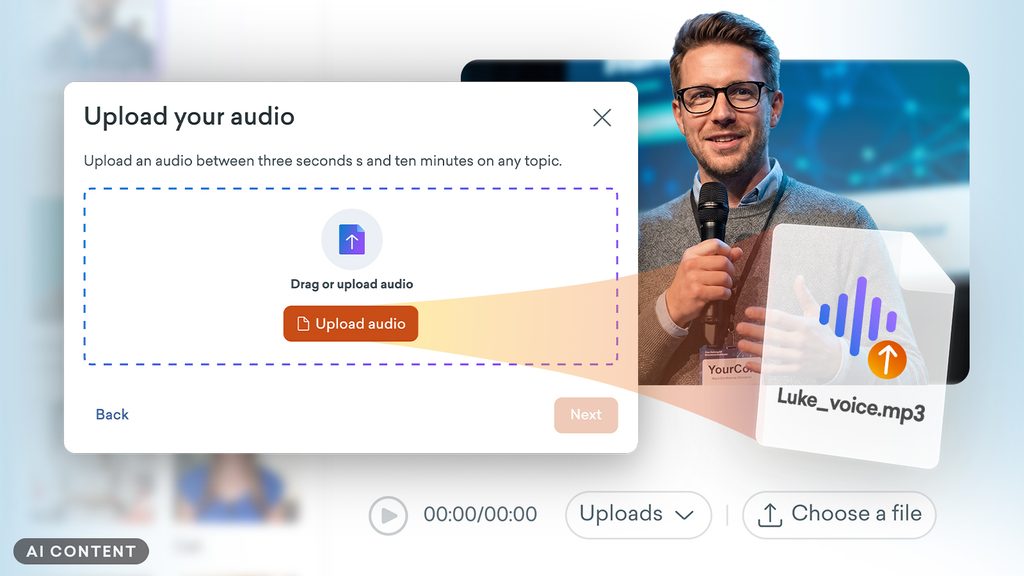
Previously, custom AI avatars defaulted to the built-in avatar voices. From now on, you can also choose voices for your custom avatars from Vyond’s text-to-speech voice library, including cloned voices, or upload your own audio. More audio flexibility means more control over the tone and matching the voice to the moment.

Learn more about custom AI avatars >

*Please note, custom avatars requires an add-on, please contact the sales team if you’re interested in learning more. 

Share your feedback:

Please fill out a one-minute survey and help us continue to provide high quality Vyond experiences.
more
Standard

Smoother Transfer Content Workflow 

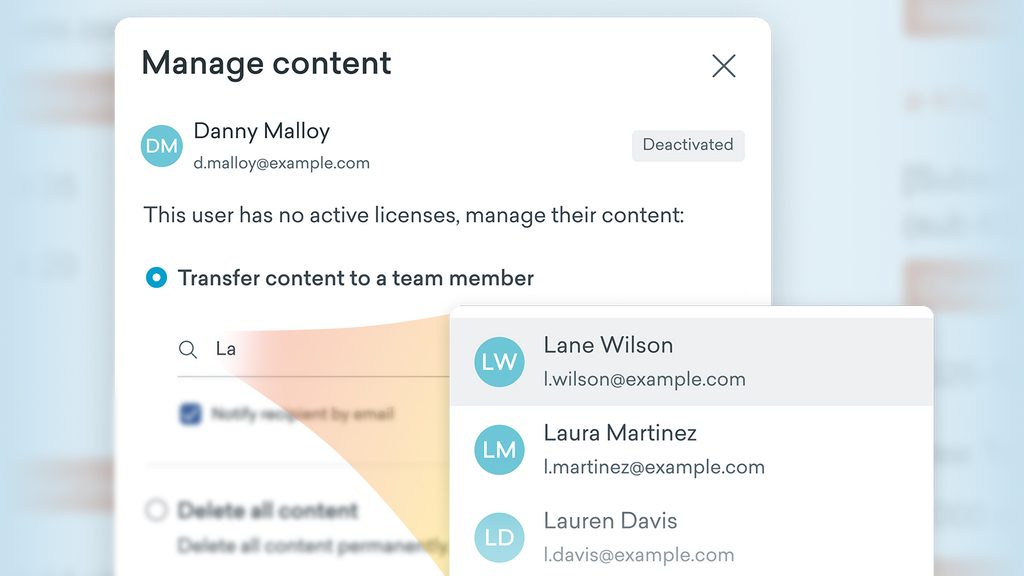
Admin users that manage subscriptions for a team will see a new workflow for transferring content. Next time you are moving content from a license to another person on your account, you’ll be able to more easily find active team members.

Learn more about deactivated users >


*Please note, this feature is available to admin users on team accounts for Professional plans and above.

Share your feedback:

Please fill out a one-minute survey and help us continue to provide high quality Vyond experiences.

more
Standard

Lite Model Update for Video Clip Generation

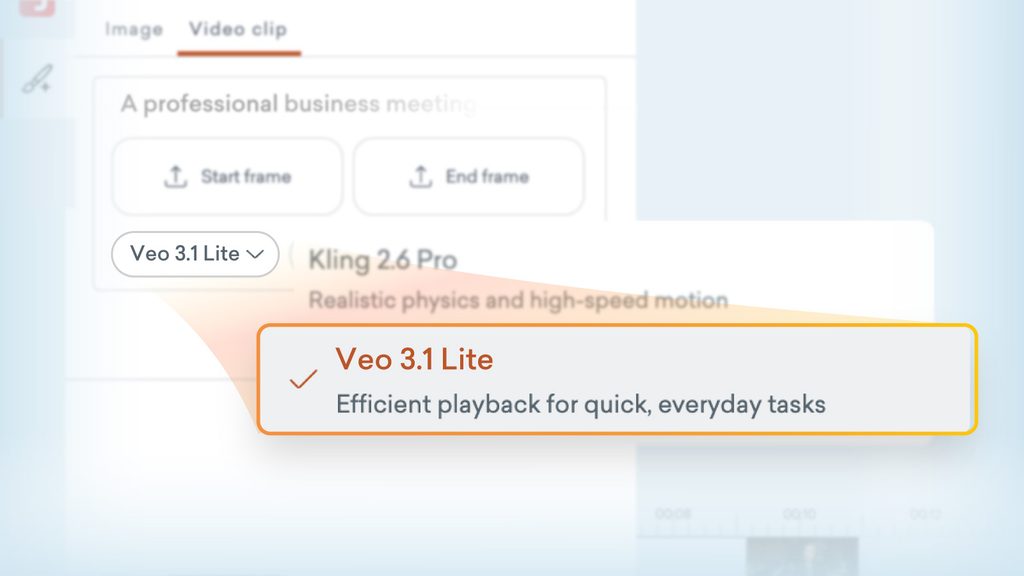
Just a heads up that as Google is retiring the Veo 3.1 Fast model, we’ve made the switch to Veo 3.1 Lite for the text to video clip tool. You’ll still find this model a great experience for efficient generation and you’ll be able to continue to create 4, 6, and 8-second video clips.

Learn more about text to video clip generation >

Share your feedback:

Please fill out a one-minute survey and help us continue to provide high quality Vyond experiences.

more