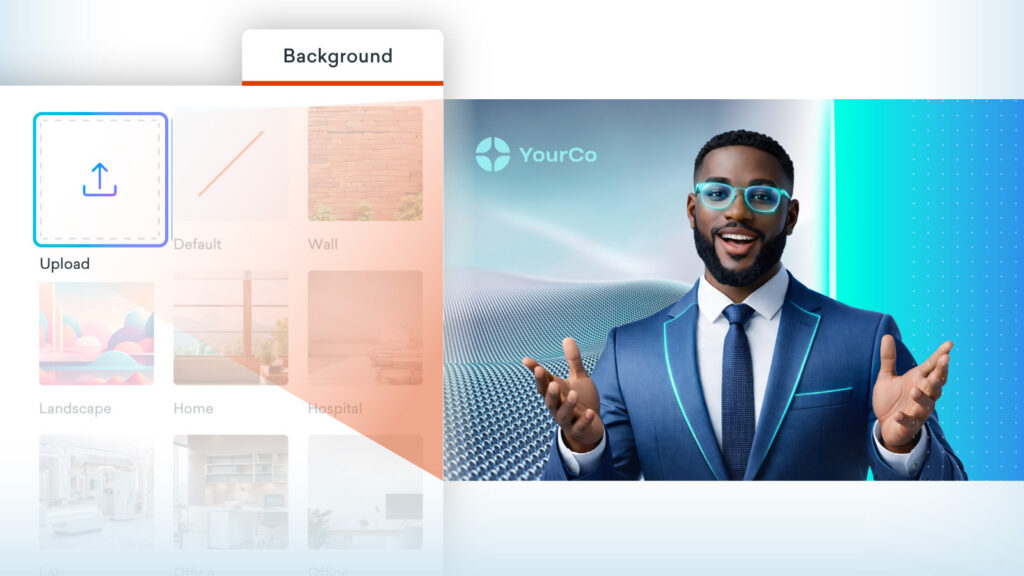
This latest enhancement introduces new ways to edit AI avatars, making video creation more flexible and easier to customize for branding needs.
Backgrounds for text-prompted avatars
For avatars created from a text prompt, you can change the background image while keeping the same avatar. This opens up more opportunities to customize your videos with branded images, colors and locations.
*Please note, this feature is available to users on Professional, Enterprise, and Agency plans only.
Edit avatars in Vyond Studio
You can now directly edit the scripts and voices of avatars in Vyond Studio. Any videos created from stock avatars from the AI avatar page are editable like assets in Vyond Studio, giving you more control over the avatar content.
You can find generated footage from the avatar page, video page, or Vyond Studio in your uploads. Simply select the avatar on the stage and you’ll then see a Dialog option in the top navigation panel, and edit the text to speech or voice as needed.
Learn more about avatars in Vyond Studio >
Share your feedback:
Please fill out a one-minute survey and help us continue to provide high quality Vyond experiences.