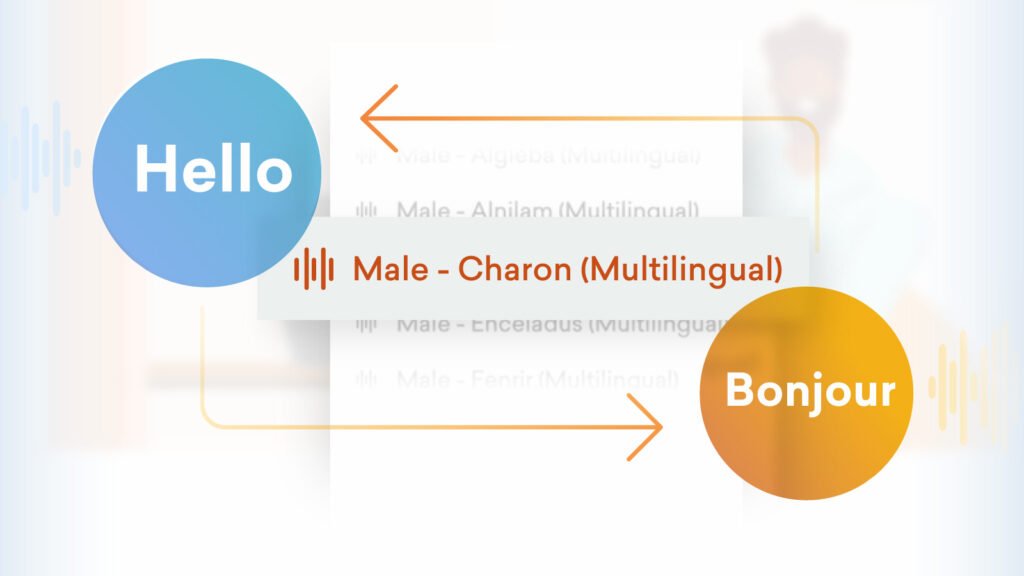
Two major updates are here to make audio settings in Vyond smoother and faster to use.
Keep the same voice
Now, when you translate a video in Vyond Studio, the audio settings will maintain the same multilingual voice if it’s available in the chosen language and accent. This ensures more consistency and saves you time from manually adjusting voices.
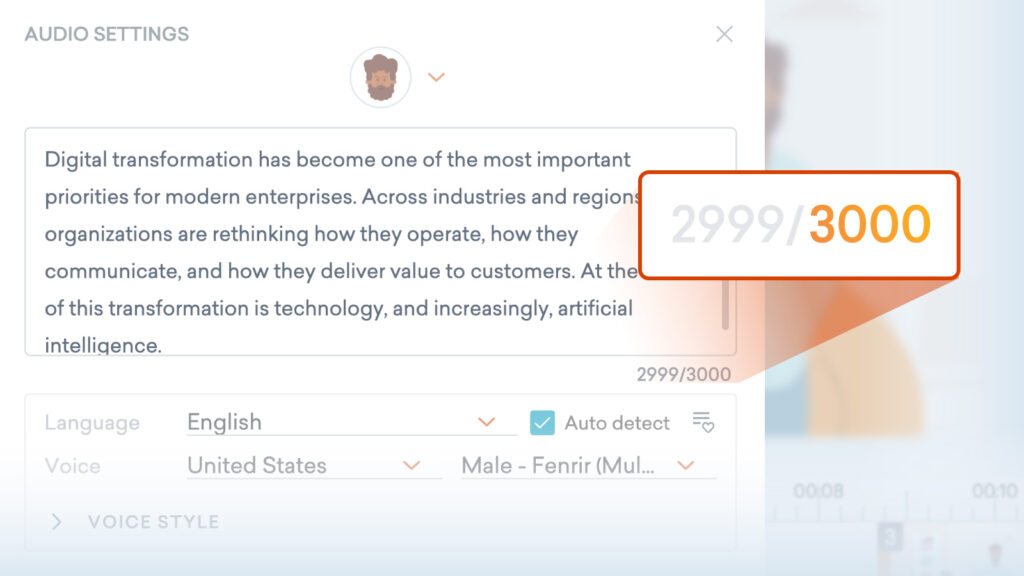
Bigger character limit
We’ve increased the text-to-speech character limit to 3,000 characters across Vyond. Whether you’re working in Studio, Quick Edit, or other pages with text-to-speech audio settings, you now have more room to bring your ideas to life in one go.
Learn more about editing text-to-speech clips >
Share your feedback:
Please fill out a one-minute survey and help us continue to provide high quality Vyond experiences.