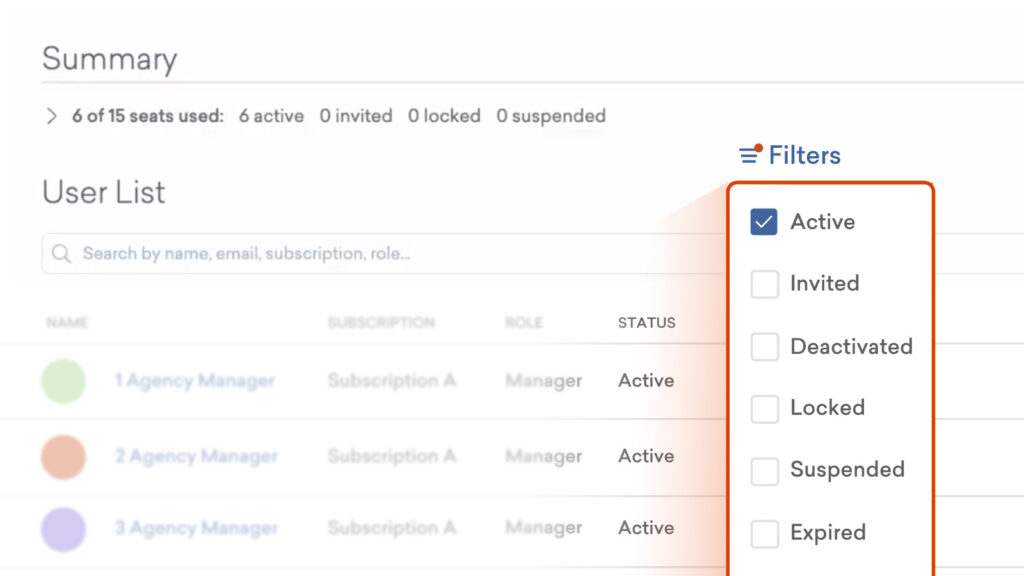
Team managers will now see two changes to the user list view, in order to help you understand seat usage across your subscriptions more easily.
Subscription breakdown
For multi-subscription accounts, you can now view a clear breakdown of seat usage for each active subscription.
Filter user list by status
When viewing the user list, you can easily include or exclude users based on their status (active, invited, deactivated, locked, suspended, expired) to find what you’re looking for faster.
Learn more about managing user access >
Share your feedback:
Please fill out a one-minute survey and help us continue to provide high quality Vyond experiences.