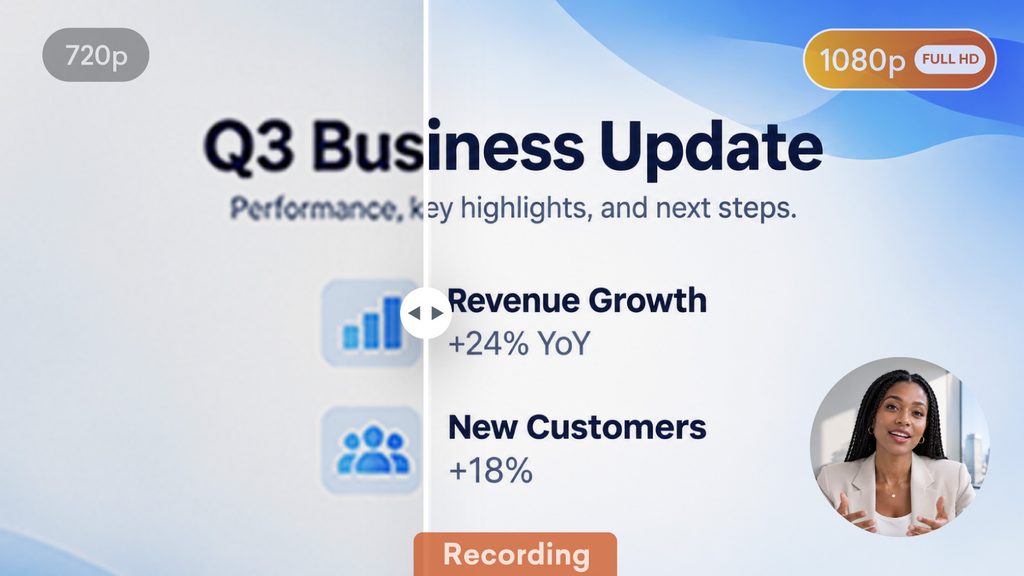
Vyond’s screen recorder now records in 1080p, so every cursor move and line of text comes through crisp and clear. Whether you’re walking through a product demo or recording a quick how-to, your footage will look as sharp as your message. Available on all plans.
How it works
- On the Vyond home page, select Create and then select Record screen
- Or, in Vyond Studio open the Uploads tab of the content panel, then select the Record screen option
- Record as you need, it will capture in 1080p by default
- Play your recording to review
- Download in 1080p resolution
Learn more about screen recording >
Share your feedback:
Please fill out a one-minute survey and help us continue to provide high quality Vyond experiences.