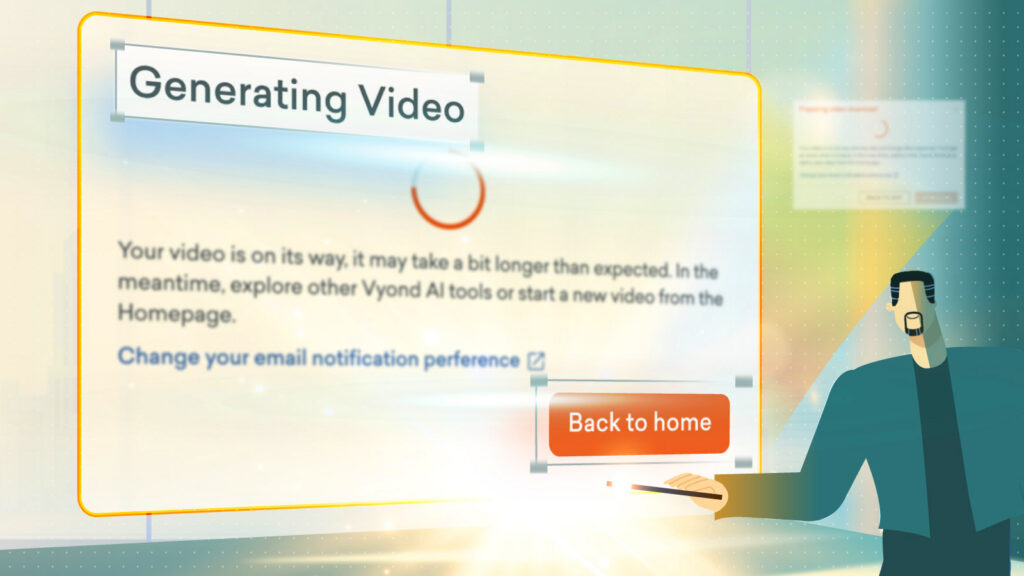
We’ve redesigned and begun to roll out standardization on user interface across Vyond, for a consistent, accessible user experience.
Here’s what’s new
- Visual alignment means the dialog boxes now have similar widths, the titles are clearer, and buttons are no longer in all caps, to make things easier to read.
- Responsiveness updates implemented, so that dialog boxes adapt more easily across different browser and screen sizes, for a smoother experience across devices.
- Keyboard access, so now you can use your keyboard to close dialog boxes.
Share your feedback:
Please fill out a one-minute survey and help us continue to provide high quality Vyond experiences.