Compliance is an important part of the workflow for many of us. Article 50(4) of the EU AI Act requires visible disclosure when AI-generated or manipulated content resembles real people, places, or events.
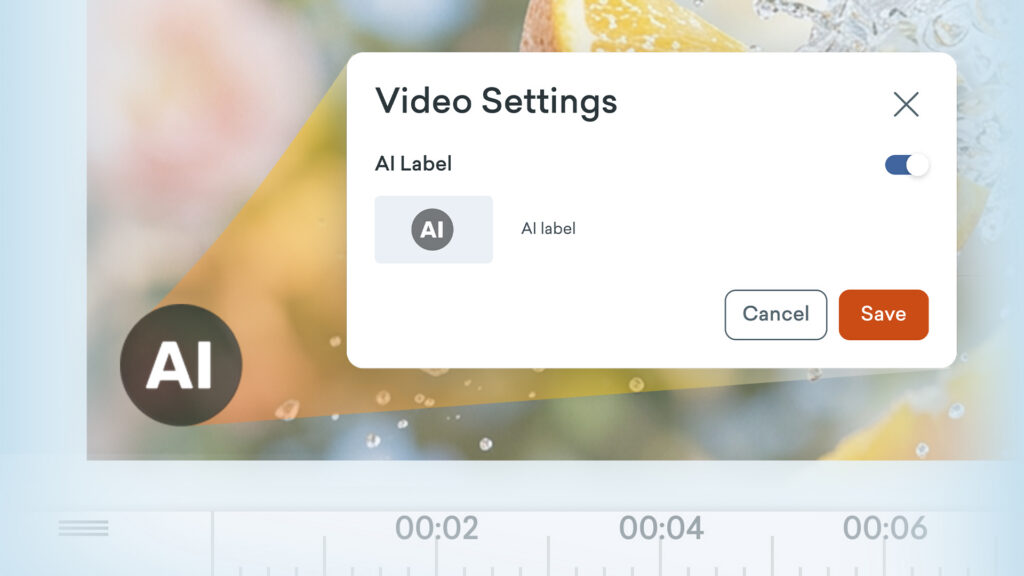
If your video includes AI-generated content and you need to label it, you can now add a visible AI label easily.
How it works
- Create or edit your video in Vyond Studio.
- Open Video Settings.
- Toggle the AI Label on. It’s off by default.
- Your video previews, thumbnails, and downloaded videos will now show an “AI” label in the bottom-left corner.
Learn more about disclosing AI >
Share your feedback:
Please fill out a one-minute survey and help us continue to provide high quality Vyond experiences.