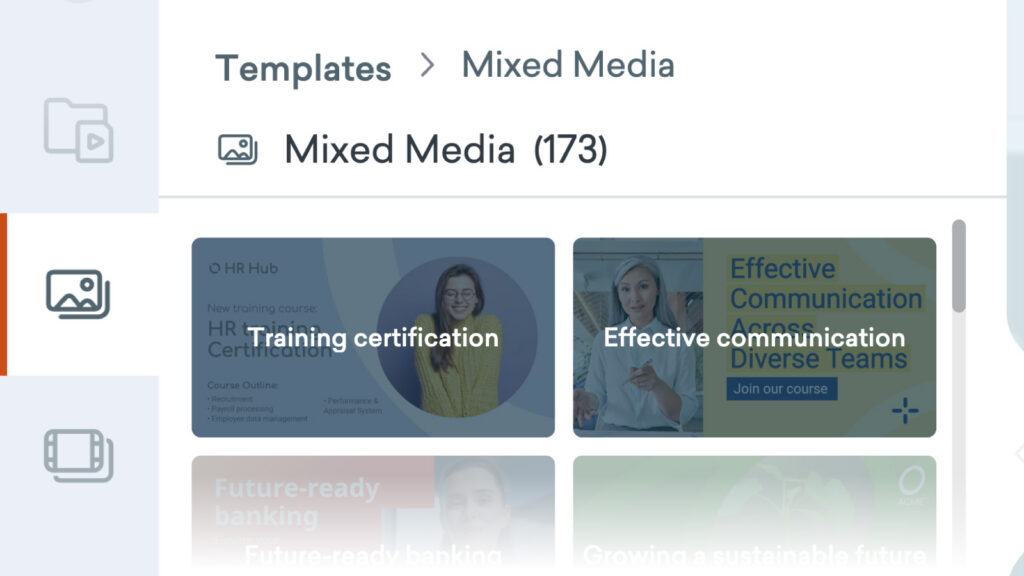
It’s now much easier to add scenes from our Template Library directly into your video from the content panel, with the introduction of a new Templates tab in the Vyond Studio content library panel.
How it works
- In Vyond Studio, open the content panel on the left hand side.
- Find templates in the Discover tab or the Templates tab.
- Browse templates by selecting template category chips or searching.
- Select a template to browse its scenes or assets.
- Choose to Use all scenes to add them all to your video.
- Or select one scene at a time to add it to your video.
Learn more about templates in the content panel >
Share your feedback:
Please fill out a one-minute survey and help us continue to provide high quality Vyond experiences.