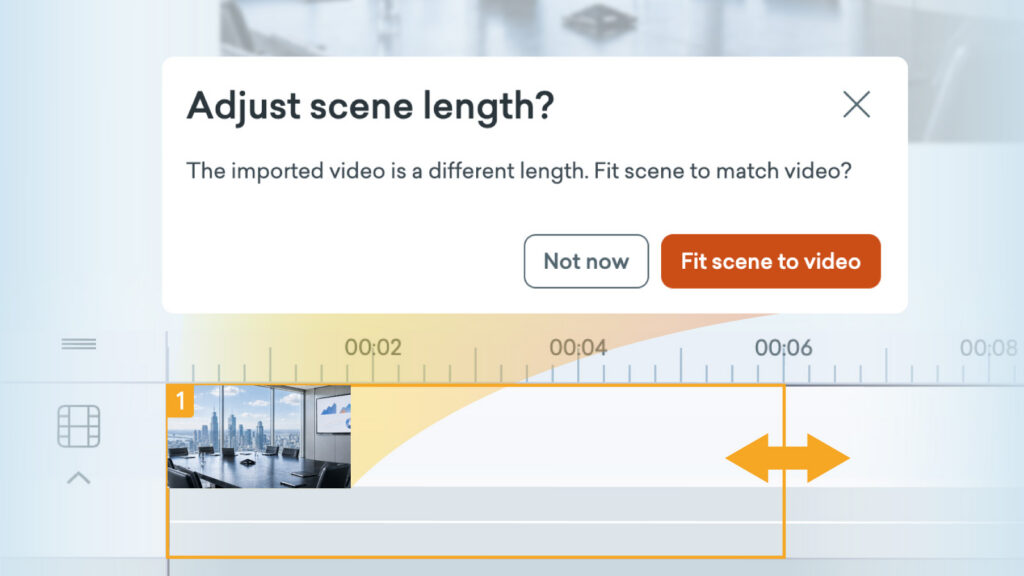
Sometimes when you’re adding a video to a scene, it can be longer or shorter than the existing scene length. From now on, it’s much easier to quickly adjust the scene length to match the video duration.
How it works
When adding a video to a scene:
- Add a video to your scene.
- You’ll be asked if you’d like to adjust the scene length.
- Select Fit scene to video to auto adjust it to the video duration.
When a video is already added to a scene:
- Select the video asset on the stage.
- Open the Video Playback menu, located along the top right navigation bar.
- Select Fit scene to video.
Learn more about imported videos >
Share your feedback:
Please fill out a one-minute survey and help us continue to provide high quality Vyond experiences.