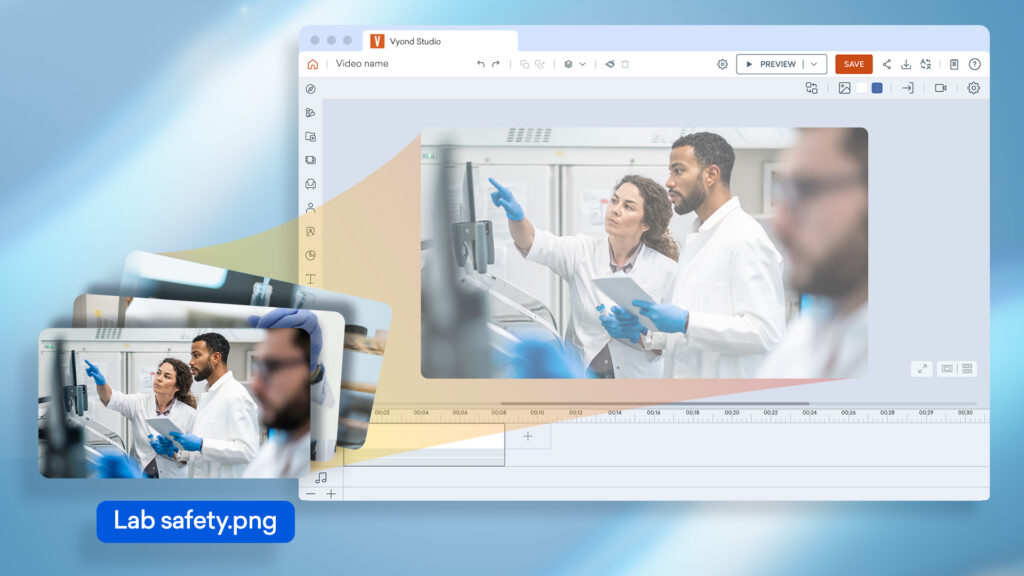
Bringing your own assets to a scene just got easier. You can now drag multiple files straight from your desktop into Vyond Studio and have them ready to use on the stage in seconds.
How it works
- On your desktop, select the video, image, audio or font file you’d like to use.
- Drag them into Vyond Studio.
- Drop them onto the stage to use immediately, or drop them into the Upload panel to find later.
Learn more about uploading files >
Share your feedback:
Please fill out a one-minute survey and help us continue to provide high quality Vyond experiences.